Impact Hub OS
A nonprofit startup accelerator ran its entire operation out of Airtable, with no member portal and no automation. I won a funded university competition to build the replacement, then took ownership of the contract, the product definition, and the delivery.







Snapshot
- Role
- Software Developer
- Client
- Nonprofit startup accelerator
- Timeline
- March 2026 to present
- Team
- Solo product and development, one subcontracted developer
- Status
- Live. Admin operations fully migrated, member onboarding in progress
- Scope
- Contract ownership, discovery, product definition, build specs, delivery
- Stack
- Next.js, React, TypeScript, Supabase, Clerk, Vercel, Figma
The Problem
The organization ran its entire operation out of Airtable. A database and a few forms, and nothing beyond that. There was no member portal, no automations, and no way for a member to join, engage, or find anything without an administrator doing it for them.
Every match between a member and a resource was brokered by hand. The admin team held the operation together through personal effort, and that effort scaled directly with membership.
The organization is a nonprofit startup accelerator. Its value to members comes from connecting them to the right people and programs. The system meant to support those connections could not make them.
Airtable was not the wrong tool for what it was originally asked to do. It held records well. The organization had grown past the point where holding records was the job, and nothing in the stack had grown with it.
How the Work Was Won
A funded university competition put 20 student teams against the same brief. I proposed this platform, and the proposal won. The win produced a $6,000 prize and a $13,500 contract to build what I had described.
I own the contract. Scope, change orders, invoicing, and client updates all run through me.
That structure shaped everything that followed. Every scope decision carried a cost and a client who had to agree to it, which is a different discipline from deciding what to build on your own time.
Discovery
I interviewed the full admin team before designing anything. Not a sample of them, every person who would use the product. The goal was to define requirements and success criteria from the people who would live with the result.
Alongside the interviews I audited the production Airtable base. I wanted to see how the organization actually worked rather than how it described its work.
The two rarely match, and the gap between them is where the real requirements sit.
What I Found
The admin team's constraint was not a missing feature. Every workflow in the organization depended on a person being available to run it. Matching, onboarding, scheduling, and follow-up all routed through an administrator.
That reframed the requirements. A feature list would have produced software that automated individual tasks while leaving the dependency in place. What the organization needed was for the workflows themselves to run without a person in the middle.
I only found this by watching how they operated. It never came up in anything they asked for.
Defining the Product
I wrote a PRD covering the problem, the users, and the success criteria, then build specs for every major feature. Keeping the two separate lets the goals hold steady while technical details change underneath them.
Delivery runs across four phases, each tied to a contract milestone. The client approves each phase in writing before the next one starts, which gives both sides a defined point to raise problems while they are still cheap to fix.
Decisions and Tradeoffs
I wrote an architecture recommendation before testing its main assumption against the people who would use it. The interviews contradicted the assumption, and I reversed the decision.
The revision removed a full data migration from the scope. Moving the organization's records wholesale would have been the largest single risk in the project, and it would have landed early, before anyone had used the new system enough to trust it. Cutting it lowered delivery risk and shortened the path to something the admin team could try for themselves.
The reversal cost me a document and some credibility in the moment. Holding to the original plan would have cost the project considerably more, and that cost would have arrived later, when it was harder to absorb.
I deferred several things on purpose. There is no analytics or usage instrumentation in the current build. There is no multi-chapter administration either, even though the architecture supports it, because no second chapter has committed and building for a hypothetical user is how scope grows without anyone deciding to grow it.
The rule I applied throughout: ship what the admin team needs in order to stop doing work by hand, and defer anything that serves a user who does not exist yet.
Execution
The build plan lives in Linear as 55 issues organized into four phase projects that map one to one with the contract milestones. I can show the client the board directly, because the board and the contract describe the same thing.
I direct a subcontracted developer against written specs. Each feature carries acceptance criteria that pass or fail on observable behavior rather than on whether the feature exists.
Writing the specs before any work started is what made a subcontractor viable at this budget. Ambiguity is expensive when you are paying someone by the hour to resolve it, and most of the ambiguity in a feature can be removed on paper for nothing.
What Shipped
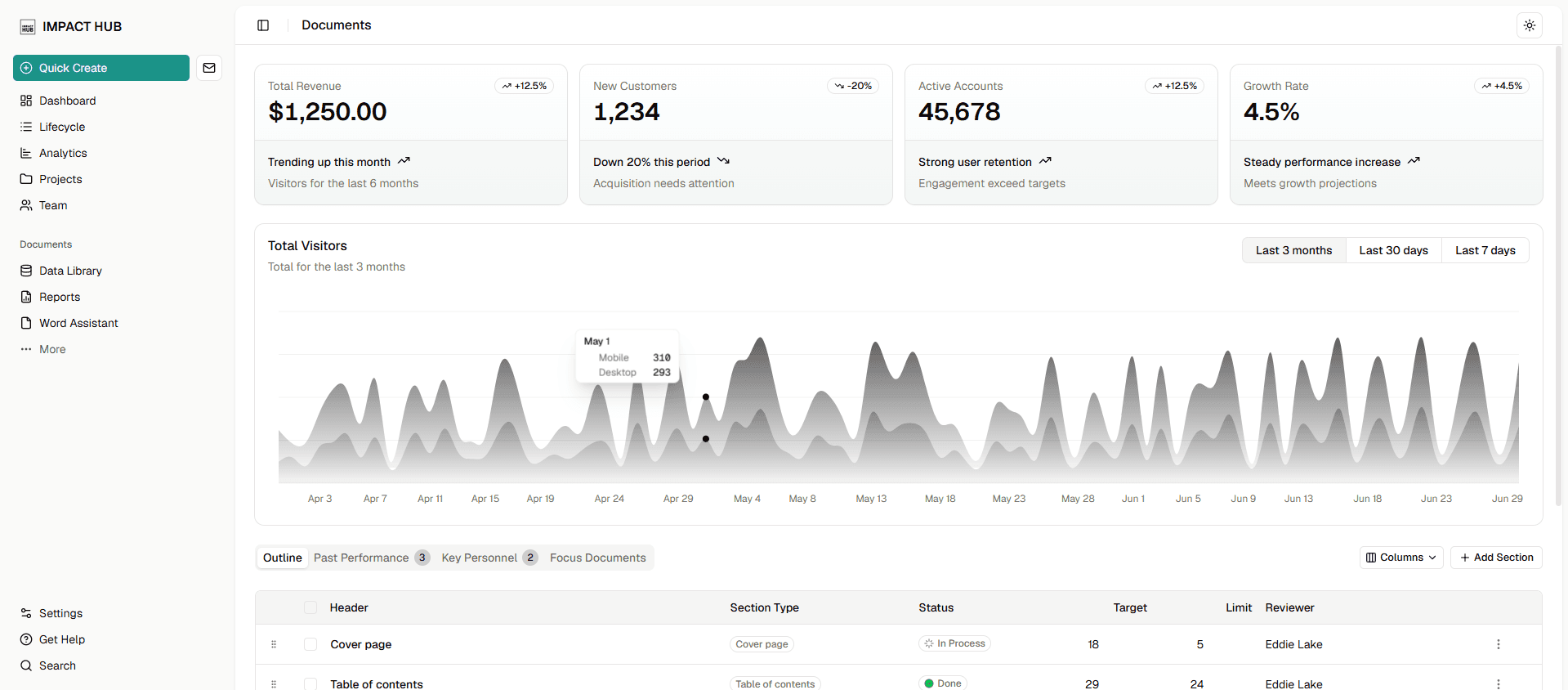
Member signup and a member portal. Admin operations. Matching. A volunteer pipeline. Office hours scheduling.
The admin team now runs the organization from the platform.
Results
The platform is live with more than 100 members. Admin operations have fully migrated, and the organization no longer uses Airtable to run itself. Remaining users are being migrated and onboarded now.
The system is architected to support thousands of users per organization, with a path to more than 100 chapters. That is a design property rather than an observed result, and I would not present it as one.
There is no analytics layer yet, so adoption is observed rather than measured.
The clearest signal so far is a negative one. The admin team has not asked to go back, and the old base sits unused.
What I Would Do Differently
Instrument usage from day one. I can describe what the admin team stopped doing by hand, but I cannot put a number on it, and a number would have been worth more than the description.
The second lesson is about order. Test an architecture assumption against users before writing the recommendation, not after.